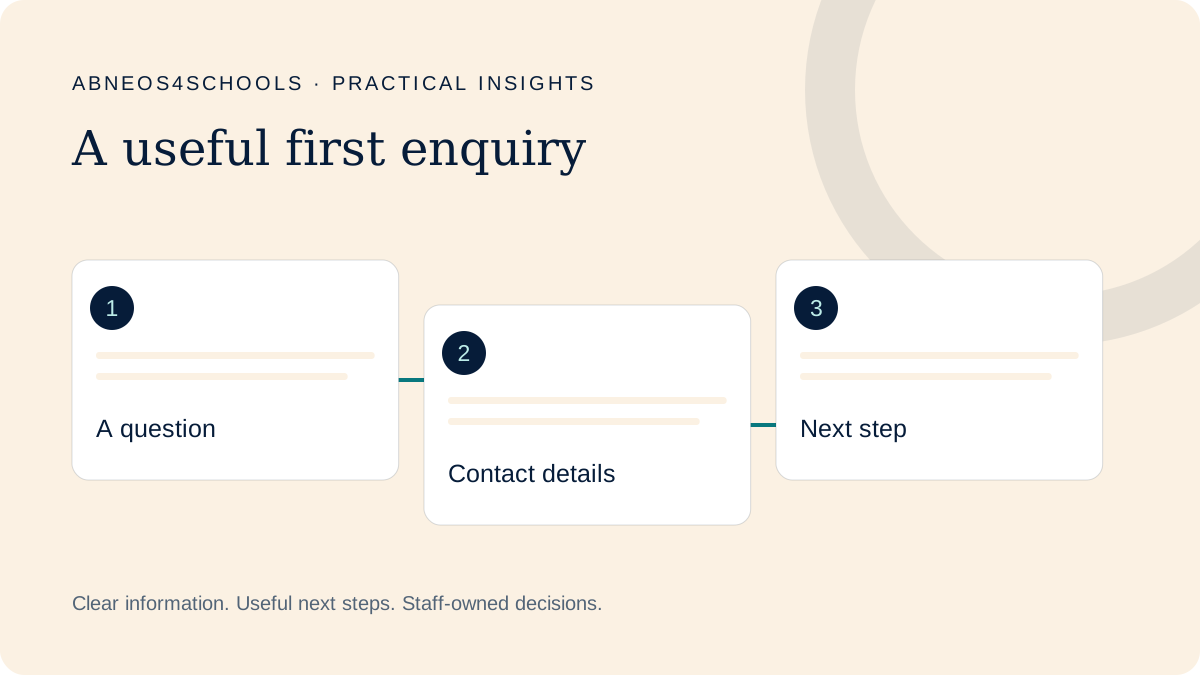
Give the form one clear job
An initial enquiry starts a conversation. A visit request helps arrange a meeting. A formal application collects information needed for the school’s application process. Combining all three can leave parents unsure what commitment they are making.
Begin by writing a plain description of the form’s purpose. For example: “Ask admissions a question about joining the school.” Use that purpose when deciding which questions belong. A form is not necessarily better because it is shorter; it is better when people can complete it and the team can act on the answers.
Create a question inventory
List each question with its purpose, the colleague who uses the answer and whether it is needed now. GOV.UK’s form guidance recommends understanding why information is requested and how it will be used before adding questions.
| Possible question | Reason to ask | Check first |
|---|---|---|
| Parent or guardian name | Address the reply appropriately. | What name format is actually needed? |
| Reply channel | Respond to the question. | Must both phone and email be mandatory? |
| Intended entry stage | Route the enquiry. | Can a parent choose “unsure”? |
| Question or interest | Understand the next action. | Are helpful options clearer than a blank box? |
This is a discussion example, not a universal set of required school fields. Agree the actual questions with admissions.
Keep questions understandable and usable
Use visible labels, including after a field has been filled. Avoid relying on placeholder text as the only instruction. W3C’s forms guidance explains how labels help people understand controls and how they support assistive technology.
Where an unfamiliar term matters, explain it briefly. Make valid uncertainty possible, such as a parent who does not know the equivalent year group. Give correction messages that help the person fix an answer without having to restart the enquiry.
Separate sensitive application records
Ask whether detailed identity, health or educational records are necessary for first contact, or belong later in the approved application process. This decision should involve the staff responsible for admissions and data handling.
Do not add document uploads just because a form template offers them. When records are needed, explain the school’s approved submission route. Avoid putting sensitive details into analytics, public screenshots or informal demonstration tools.
Test the answer as well as the form
After submission, parents should understand that their enquiry arrived and what happens next. Internally, confirm that a colleague receives the information in a useful format and knows who should respond.
Test on mobile and with a keyboard, then review whether genuine enquiries progress. Compare with your baseline and check whether staff must repeatedly request missing context. The goal is a useful conversation with an appropriate amount of information, rather than more submissions at any cost.
Watch the enquiry form explainer ↗
Opens the illustrative explainer on Scrimba. Examples are fictional.
Sources & scope
External guidance informs the relevant design principles. The school workflows, examples and review suggestions above are Abneos4Schools editorial recommendations, not validated conversion benchmarks or evidence of school results.
Start with your parent journey.
Take the self-reported assessment and get three practical priorities to explore with your team.