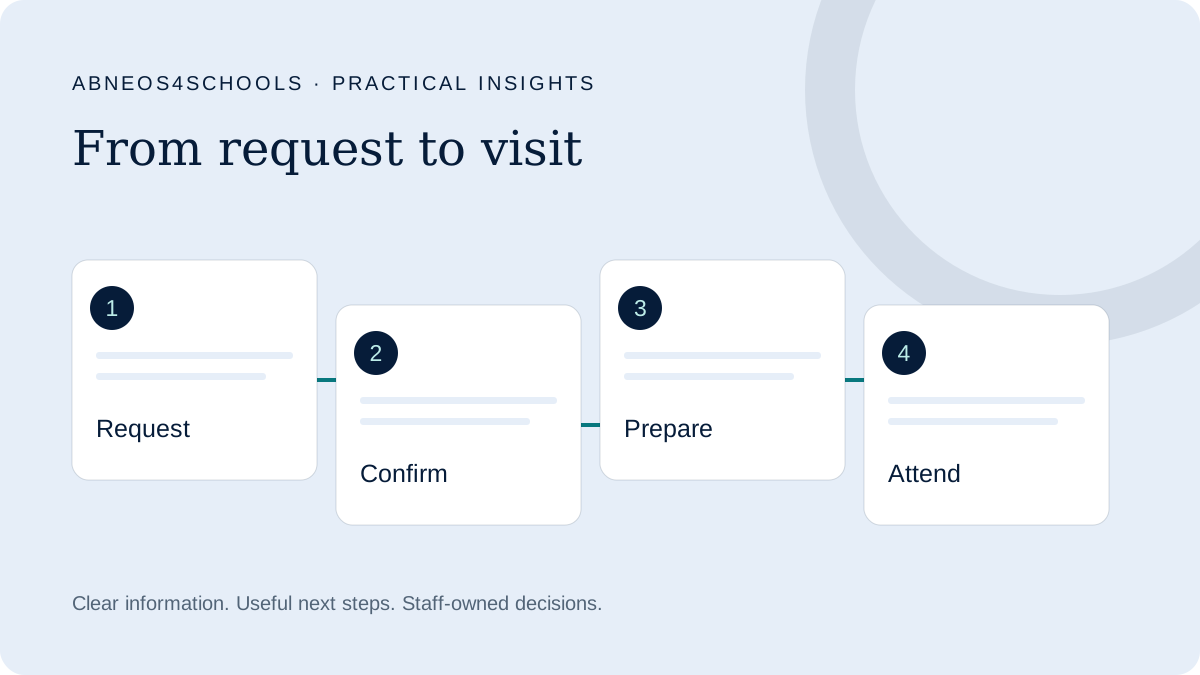
Name the booking state accurately
A parent who clicks “Book a tour” may expect a confirmed date. If the next step is a callback, the website should explain that before and after the form. The issue is the expectation created, rather than whether every school needs a live calendar.
Use language that fits your process: “Request a visit” when a colleague still needs to agree arrangements, or “Choose an available visit” when the system can genuinely confirm a slot. Any calendar must reflect the team’s actual availability.
Explain what a visit involves
Tell families what they can reasonably expect and which details will be confirmed later. Relevant information might include the purpose of the visit, who normally attends and how to raise an accessibility or arrival question.
Avoid promising meetings with specific staff or access to particular facilities unless those arrangements are approved. A family’s intended entry stage may affect what is useful to see and discuss.
Make the request and confirmation distinct
An acknowledgement can confirm receipt without pretending that a visit is booked. GOV.UK’s confirmation-page guidance provides a useful general principle: explain what happens next and when.
Thank you for your visit request. Our admissions team will contact you to agree a suitable date and time. Your visit is not yet confirmed. If you need to change your request, please use the contact details below.
Add a response window only when the school has agreed one it can meet. Include real contact details and instructions that match working days and closure periods.
Help parents arrive and rearrange
Once a visit is confirmed, provide the agreed date and time, location, arrival instructions and an appropriate contact person. Explain how to cancel or rearrange. Ask the team which reminders would be useful and how exceptions should be handled.
Keep reminders aligned with the confirmed booking. If a date changes, an old scheduled message must not send conflicting instructions. Include these situations in testing rather than checking only the simplest booking example.
Measure attendance and the next conversation
Count requests, confirmed visits and attended visits separately. Record cancellations and reschedules so the report does not treat a family who rearranged as two independent opportunities.
After a visit, staff can record the appropriate next step: more information, an application discussion, a later decision or no further contact. Follow-up should respond to that context rather than automatically urging every family to apply.
Review the journey with admissions before buying a booking tool. Sometimes clearer wording and better ownership solve the immediate problem; in other cases, an integrated scheduling workflow is justified.
Watch the school visit explainer ↗
Opens the illustrative explainer on Scrimba. Examples are fictional.
Sources & scope
External guidance informs the relevant design principles. The school workflows, examples and review suggestions above are Abneos4Schools editorial recommendations, not validated conversion benchmarks or evidence of school results.
Start with your parent journey.
Take the self-reported assessment and get three practical priorities to explore with your team.